
Subscription cancellation
Cancellation of a subscription in ERPLY Books is carried out through the following steps:
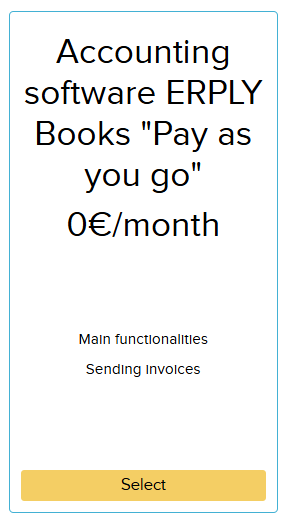
1. Open “Settings” > “Price plan” and click the “Unsubsrcribe” button. After changing the package, you will receive an email and you must click the link provided in the email. After that, the account will be switched to the free plan.

2. After that, add a support user. Go to “Settings” > “Configuration” and click the blue “Add Support User” button. This grants Books access so we can delete your company.

3. Open “Settings” > “Organisation Data”. Add the word “Delete” to the end of the company name and save.
4. Open “Settings” > “Price plan”, scroll down and select “Remove Authorisation”.
If your pricing plan payment method is “Alternative payment method” , please contact our support team at support@erplybooks.com and also add a support user to your company so that Books can delete your company.