
Mobile Login
Erply Books’ new mobile-friendly login solution makes accessing your accounting faster and more convenient than ever. Log in directly from your phone, select the appropriate organisation, and continue working – everything you need is now always within reach, no matter where you are.
All browsers support mobile login.
You can log in using this link.
Just like with the regular login, you’ll need to enter your email address and password to sign in.
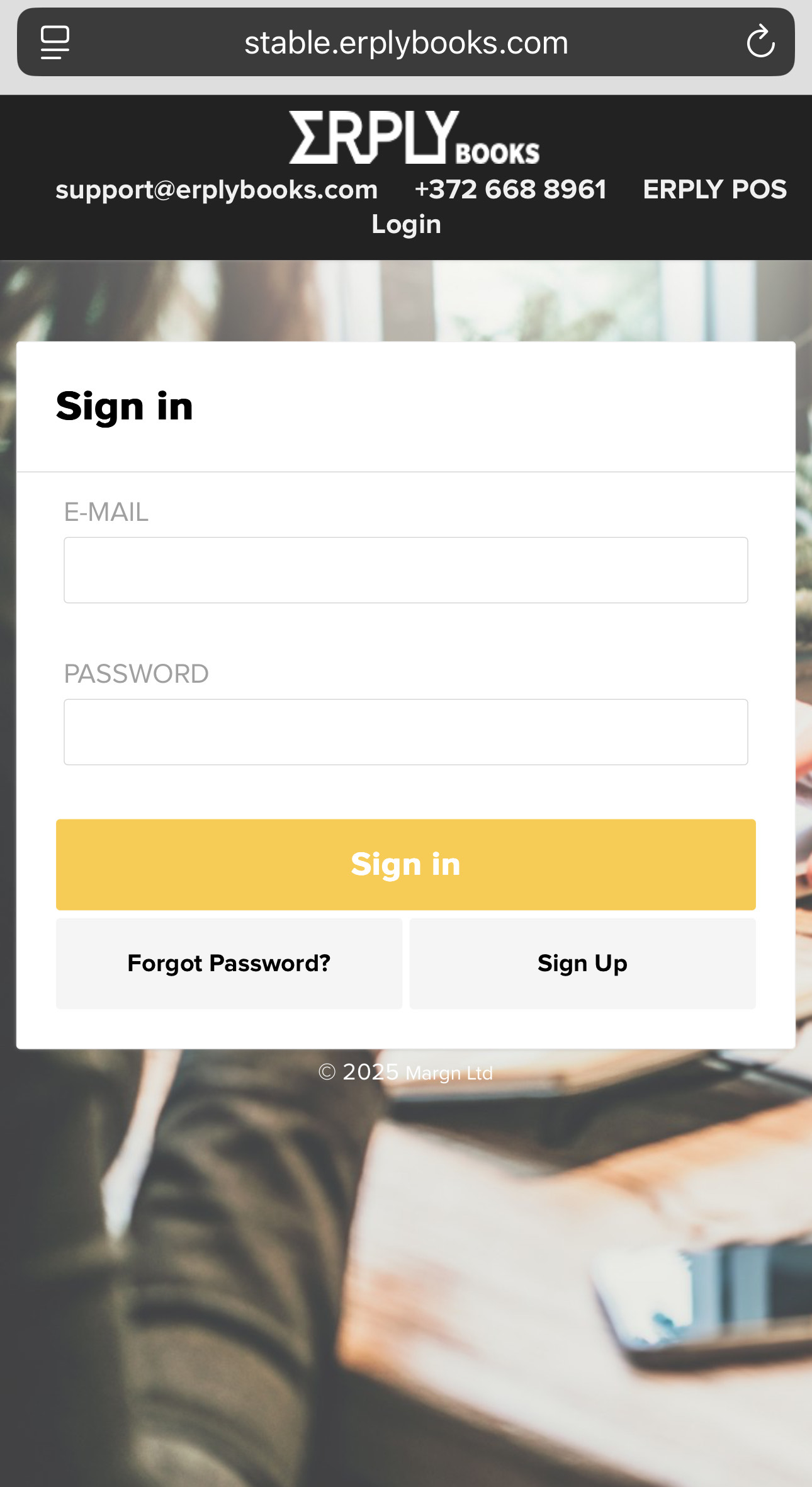
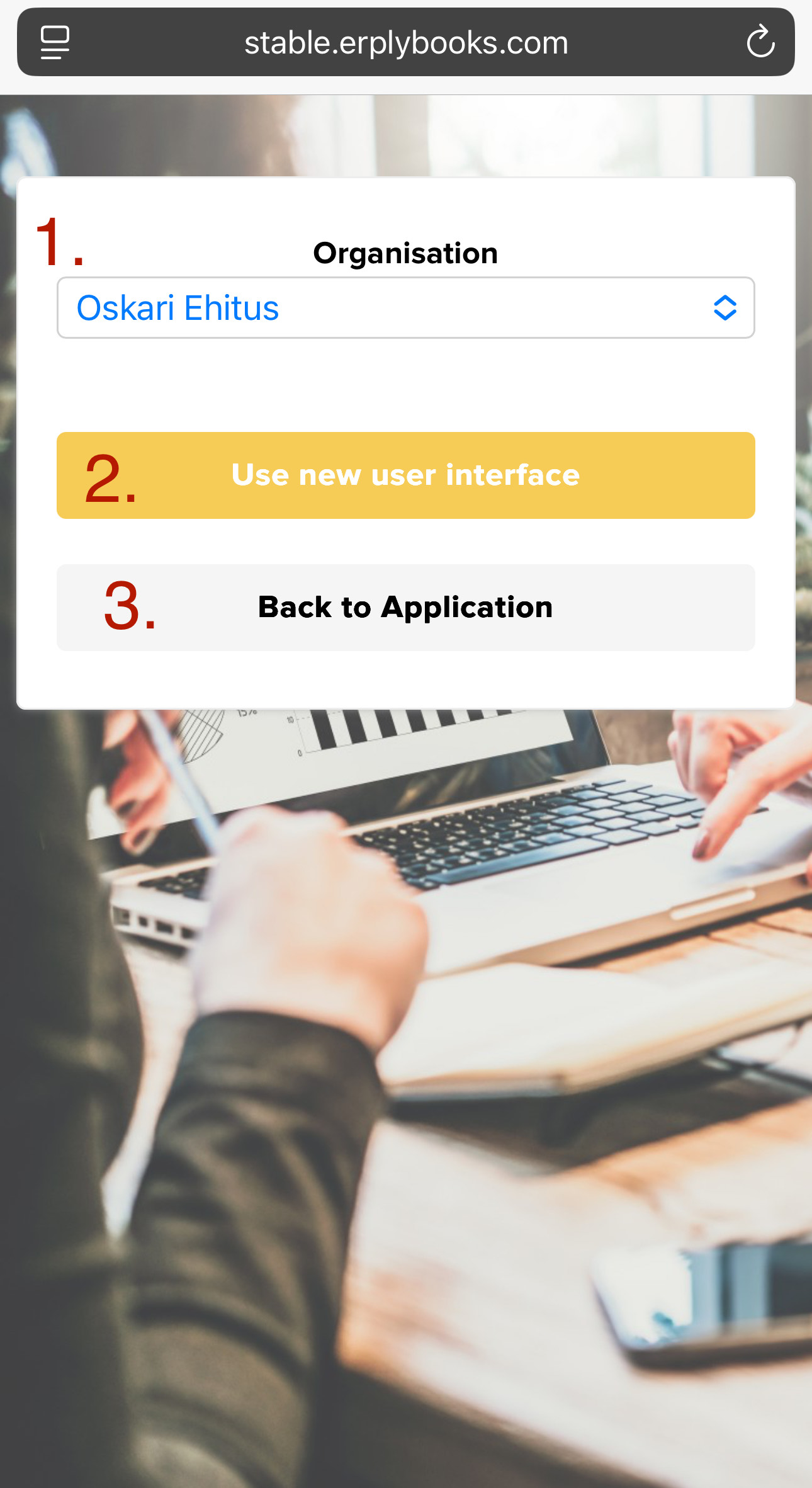
After logging in, a screen will appear where you can select the organisation you want to access.
- Once you’ve selected the organisation, you’ll be asked whether you want to continue:
- In the new user interface, or
- In the old user interface (back to application)
We recommend choosing the new user interface, as it’s optimized for mobile devices – more modern, faster, and more user-friendly.
Once logged in, the homepage will be displayed, and you can proceed just as you would on a computer.
Frequently Asked Questions (FAQ)
What if I don’t remember my password?
– Click the “Forgot password?” link on the login page and follow the instructions.
Do I need to download an app to log in?
– No. Simply use your phone’s web browser.
Can I switch between multiple companies?
– Yes. After logging in, you can switch organizations at any time.