
Inventory transfer
Inventory transfer is a document where you take goods from one location and send them to another.
ERPLY Books processes inter-warehouse transfers based on the weighted average price. Erply, however, does this using the FIFO (First In First Out) method.
This guide is intended for waste management companies.
How to perform a transfer?
Selleks, et alustada ladudevahelist liikumist, mine “Inventory” -> “Inventory functions” -> “Inventory transfer”.
Then select which warehouse you want to transfer from. For example, we are moving 100 kg of concrete and 20 kg of stone from Tartu to Tallinn.

Once you have made your selection, click the “Done” (Tehtud) button. The system will then change the title, which ensures that you can no longer modify the locations.
NB! If the system does not select a supplier by default, select your own organisation.
All you need to do is select the goods you intend to move from one location to another.
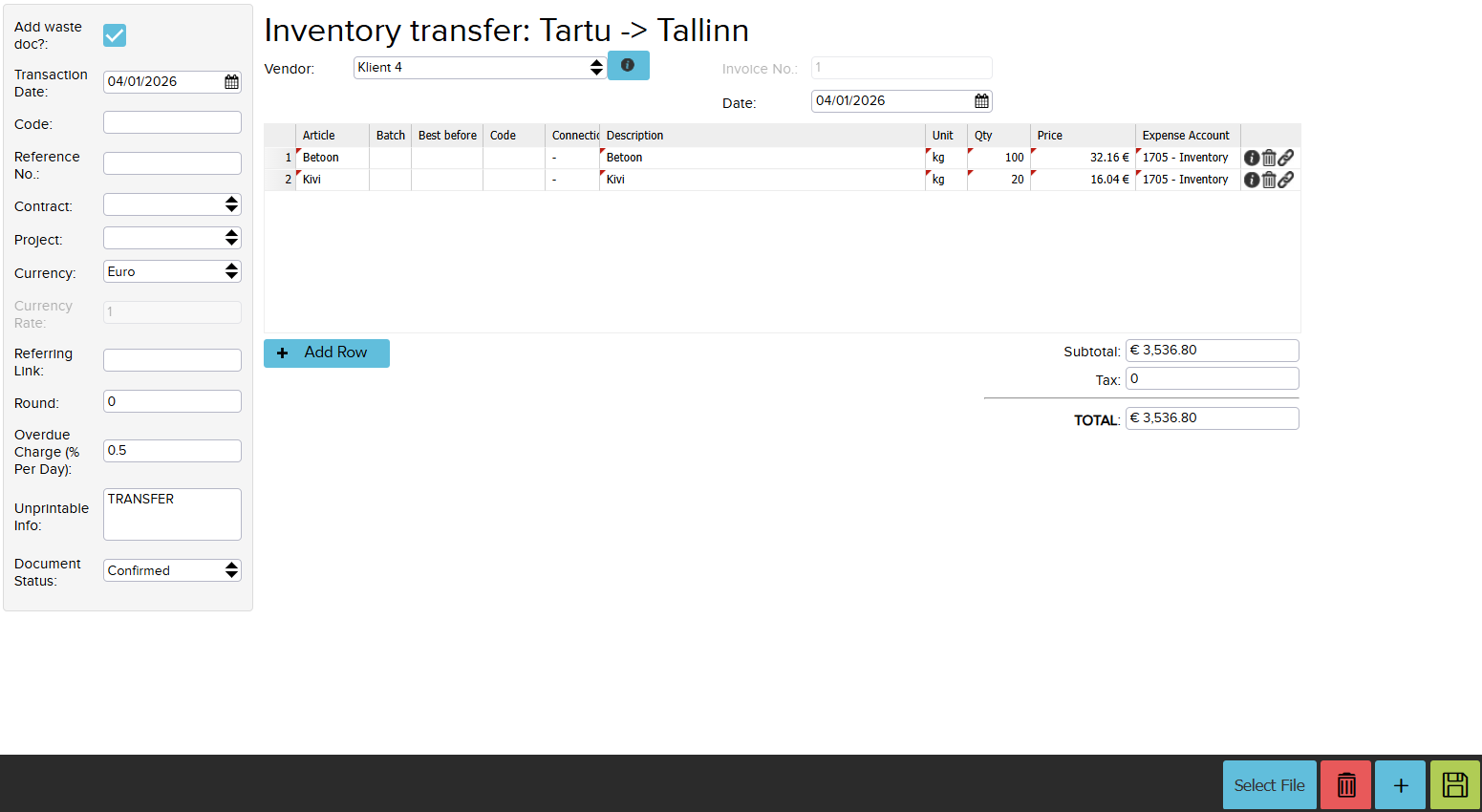
Once everything has been added, save the changes.
Where to view Inventory transfers?
You can view all inter-warehouse transfers in the module “Inventory” -> “Inventory reports” -> “Inventory transfers”.

The system created a document that was sent out from one location and added a second document that received it at the other location.
The two documents together must produce a zero value, because the same value that goes out is taken into the other location.