
Signing in
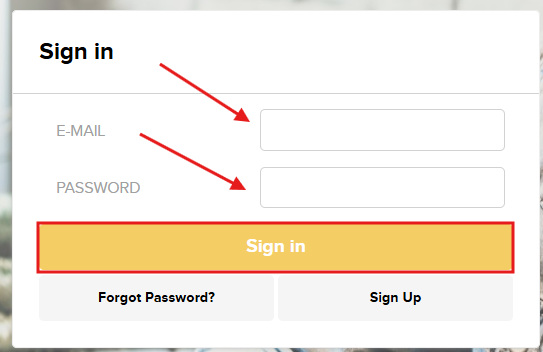
To sigb in to ERPLY Books, you need to use an already registered email address and your organisation’s password.
Signing in from a new IP address
For security reasons, when logging in from a new IP address for the first time, the system will send a verification code to the user’s email address.
Once the verification is successful, the system will remember the IP address. You will not need to enter a verification code again when logging in from the same IP address.
If you log in from a different IP address, you will need to enter a new verification code sent to your email address to complete the security check.
